![WINWON (Standard).png]](https://knowledgebasefaqs.winwontech.com/hs-fs/hubfs/WINWON%20(Standard).png?height=40&name=WINWON%20(Standard).png)
Who Has Access to Academic Eligibility?
- Only users with Academic Administrator permissions can access Academic Eligibility.
- Academic permissions are typically assigned to Compliance Administrators, Faculty Athletics Representatives (FARs), and others responsible for managing academic compliance. Academic permissions allow users to view
 and update academic related data and eligibility statuses.
 - Permissions for Medical, Academic, Onboarding, and Participation eligibility are managed independently. If you do not see the Academic Eligibility section in your eligibility center, you do not have this permission.
- Learn more about Settings and Permissions.
Accessing Academic Eligibility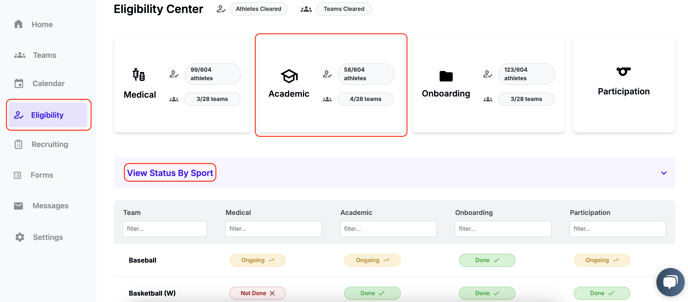
-
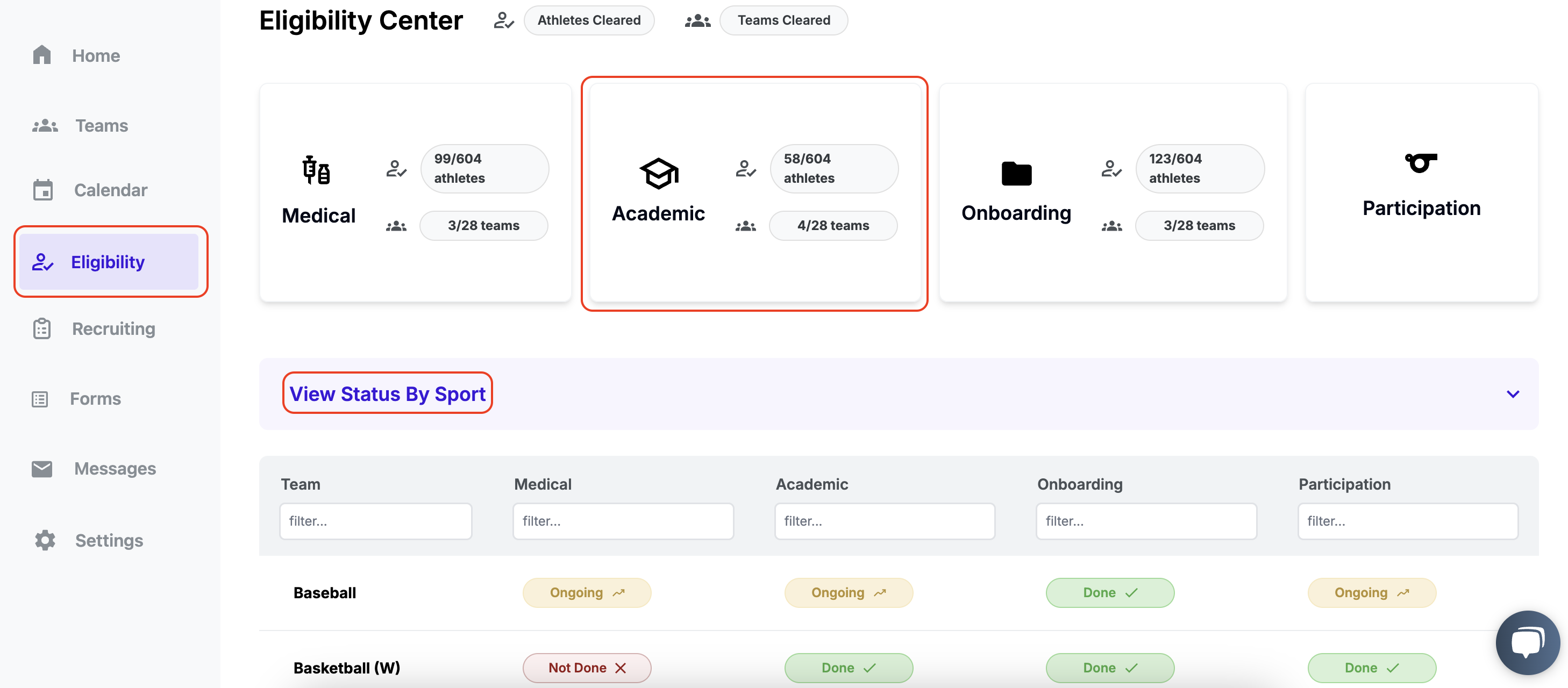
Navigate to Eligibility in the side panel.
-
On the Academic card:
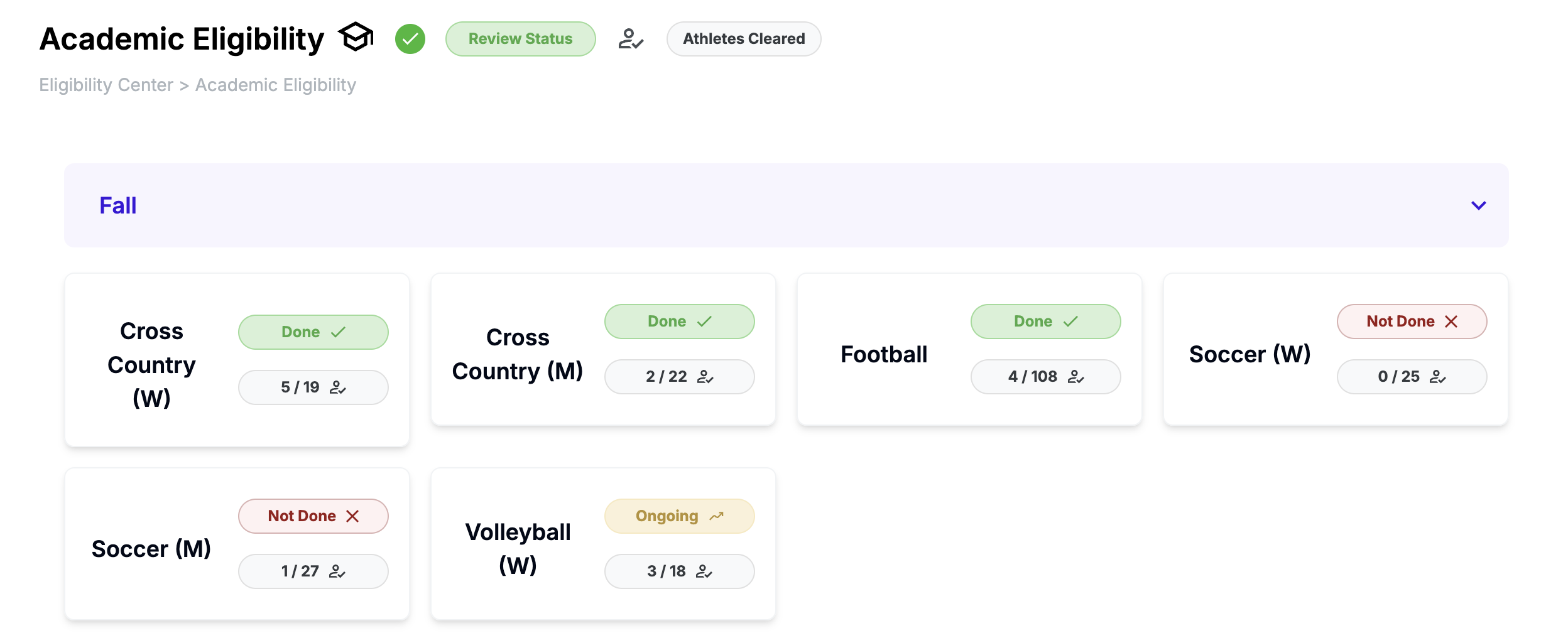
- View a summary of total eligible athletes and teams.
- Below, toggle View Status by Sport to see review statuses for each team.
-
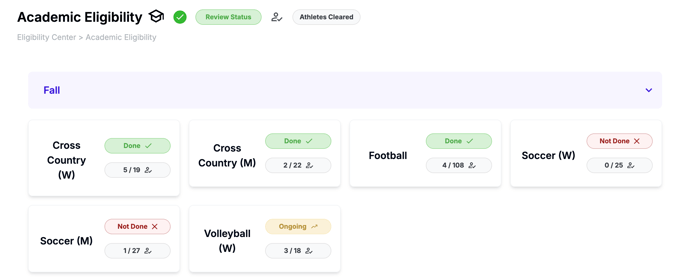
Click the Academic card and then on a specific Team card to manage its eligibility.
Navigating the Academic Eligibility Table
Each team's Academic Eligibility page includes:
- Select Team: Allows users to quickly navigate between teams.

-
Header Banner: Displays the academic term (e.g. SPR 25), roster status, cleared students count, and academic eligibility review status.

- Academic Terms: This specifies the term being reviewed. If there are applied compliance rules, they will be based on that term
- Roster Status: Indicates if a coach has confirmed the team roster. This ensures eligibility reviews are only performed on confirmed rosters. Learn more about Confirming Rosters.
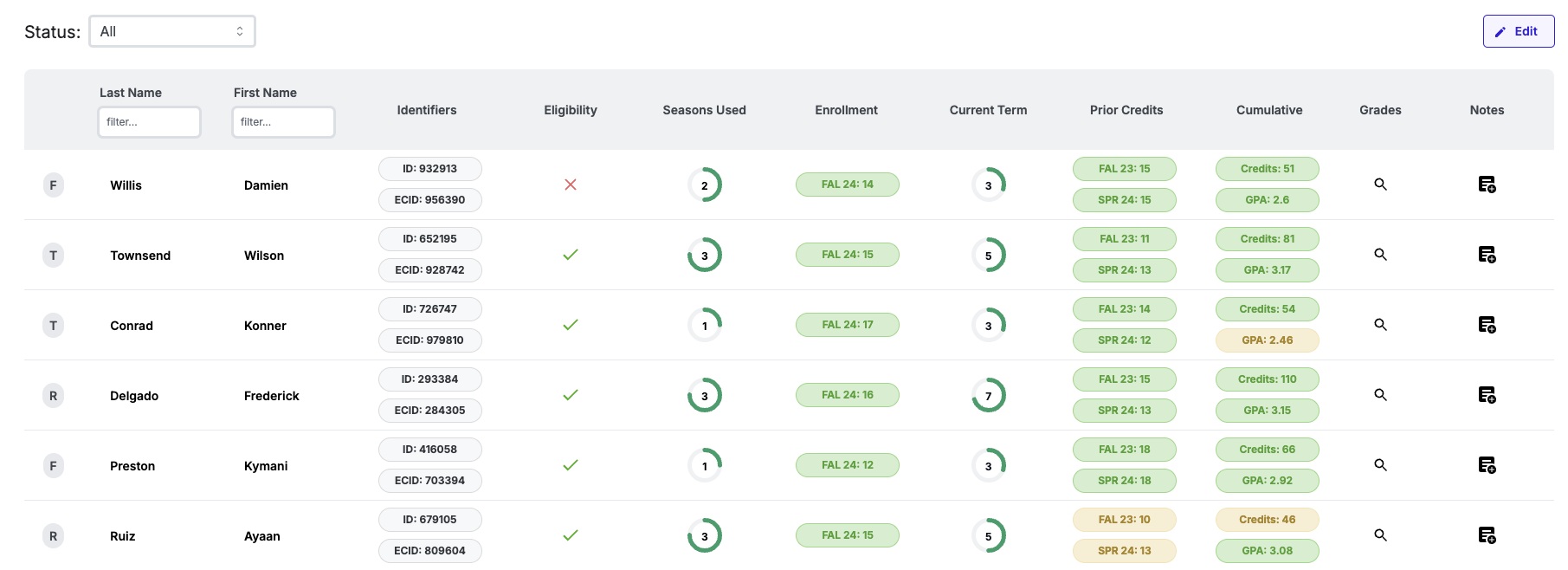
- Academic Eligibility Table:


-
- Use filters to organize data:
- Status bar: Filter by first-year, returning, or transfer athletes.
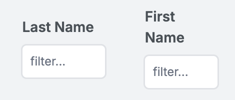 Column filters: Filter by first or last name.
- Use filters to organize data:
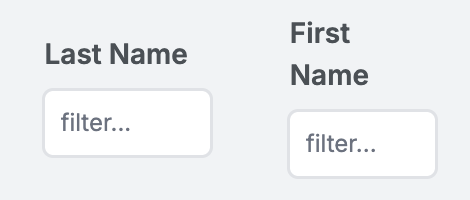
Table Columns Glossary
The Academic Eligibility table prioritizes critical academic data for eligibility certification customized to your institution's needs.
Below are column details (Your view may have some of the fields below):
Column |
Details |
Editable? |
|---|---|---|
| Status |
First-year (F), Returner (R), or Transfer (T) (refer to your institution on status definitions) |
Managed in the team roster. Learn more here. |
| Last Name | Pulled from the school’s SIS system. | No |
| First Name | Pulled from the school’s SIS system. | No |
| Identifiers |
|
Eligibility Id's managed in the team roster. |
| Eligibility | Marks athletes as eligible (green check) or ineligible (red X). | Yes |
| Seasons Used | Tracks competition seasons used (0–4). | Yes |
| Enrollment |
Displays current semester credit enrollment (green: full time, yellow: not full-time or Not Enrolled). |
No |
| Current Term | Total full-time terms on transcript, plus any prior institution terms, minus term exceptions. | No |
| Prior Credits (NAIA) |
Prior Credits Rule (green: >=24 credits, yellow: <24 credits). |
No |
| Cumulative |
|
No |
| Grades | Click magnifying glass 🔍 to access the transcript. | No |
| Notes | Add or view notes for communication with other staff. | Yes |
Transcript Details
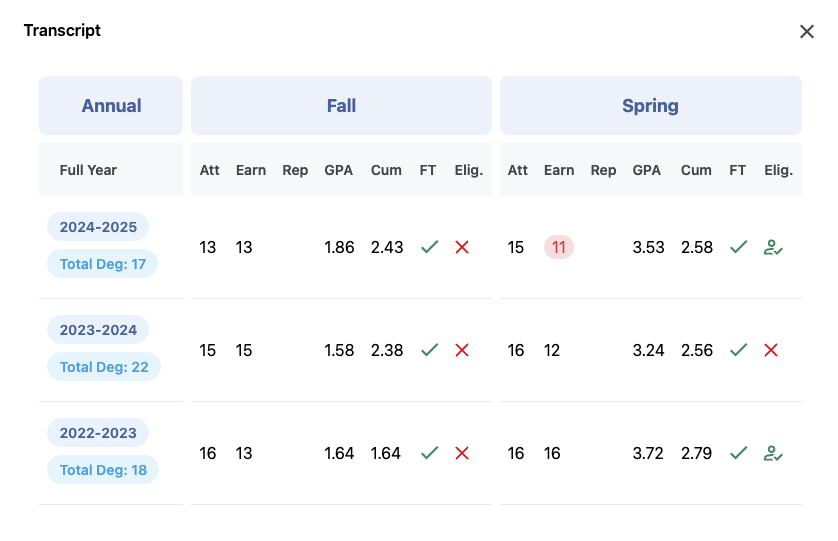
Access a student’s full academic history by clicking the magnifying glass 🔍 in the Grades column. The transcript includes:
-
Att: Attempted credits.
-
Earn: Earned credits.
-
Rep: Repeated credits.
-
GPA: Term GPA.
-
Cum: Cumulative GPA.
-
FT: Indicates if the student was full-time for the term.
-
Elig.: Displays whether the athlete was marked academically eligible by an administrator.
Editing the Academic Eligibility Table
-
 Enter Edit Mode: Click the Edit button in the upper-right corner of the table.
 -
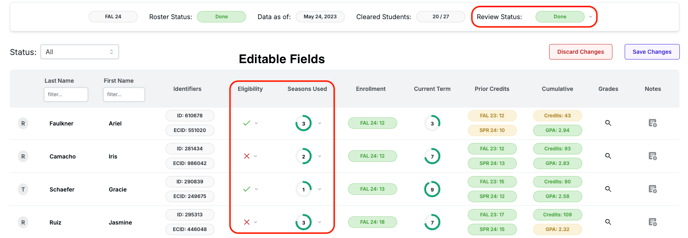
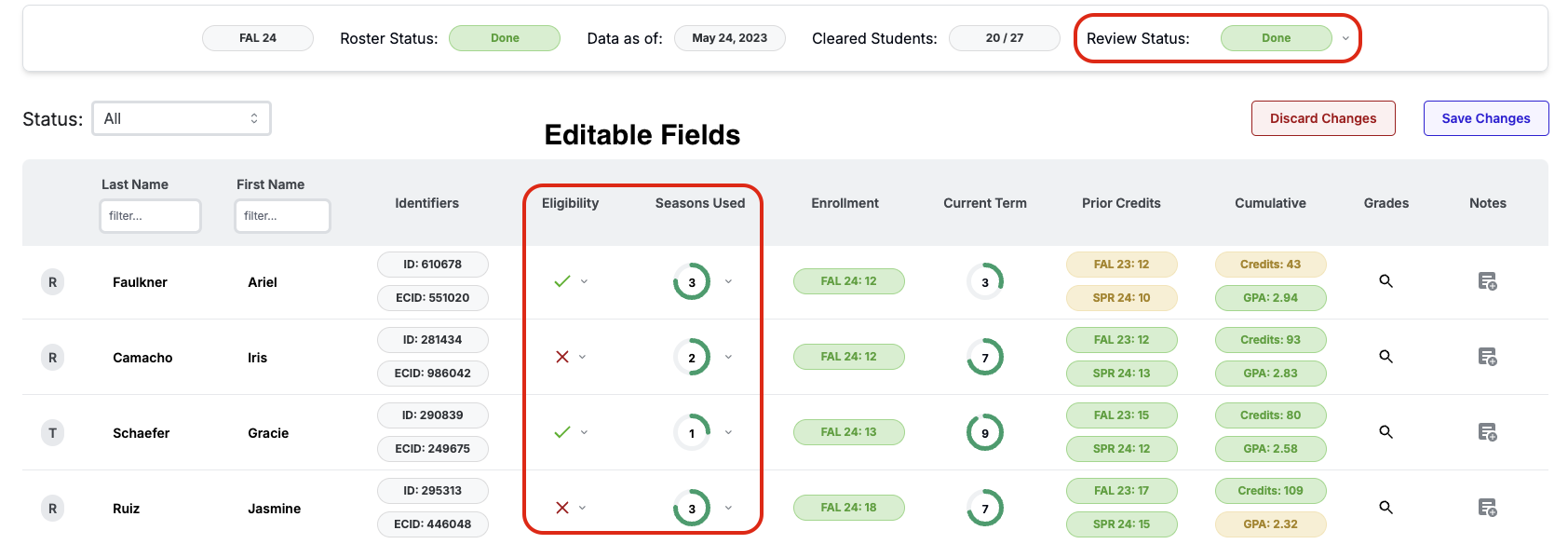
Editable Fields:
-
Update eligibility status and seasons used.
-
Update Review Status in header banner.
-
-
Save Changes: Click Save Changes to apply edits or Discard to revert.
Data Synchronization
-
All system-generated fields are populated via integration with the school’s Student Information System (SIS).
-
Data updates are daily, unless otherwise discussed with your institution.
-
For any discrepancies, contact WinWon Support.
Coach View
-
Coaches do not have access to detailed academic eligibility data.
-
They can view their team’s cumulative GPA and eligibility status for individual athletes on the Student-Athlete Profile.
For more information or assistance, contact WinWon Support or your WinWon representative.