![WINWON (Standard).png]](https://knowledgebasefaqs.winwontech.com/hs-fs/hubfs/WINWON%20(Standard).png?height=40&name=WINWON%20(Standard).png)
Here’s how to build and customize a recruit profile to streamline your recruiting process:
Creating and Customizing Recruit Profiles
-
Create and Customize Recruit Profiles: Build detailed recruit profiles that capture all the information you need. Customize what data is displayed to match your recruiting strategy and ensure you have the most relevant details at hand.
- Navigate to the Recruit Profile from Recruiting > Recruits by clicking the purple arrow icon next to the athlete you want to see as shown below:

- Navigate to the Recruit Profile from Recruiting > Recruits by clicking the purple arrow icon next to the athlete you want to see as shown below:
-
Customize Athlete Overview: Tailor the athlete overview section to display the specific data points you want to see. This could include metrics like position, graduation year, or any other information critical to your recruiting process.
- Use the "pencil Edit" button to edit current information
- Use the "three dots" to add additional fields to the overview and reorder how they appear on the screen
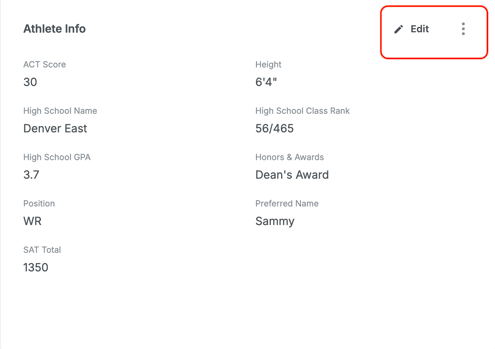
-
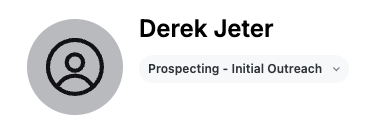
See and Manage Recruiting Stage: Quickly check each recruit’s stage in your recruiting pipeline. This helps you track where they are in the process, whether you’re actively recruiting, have made an offer, or they’ve committed.
- From the Recruit Profile, see and manage Recruiting Stage from the dropdown selection:
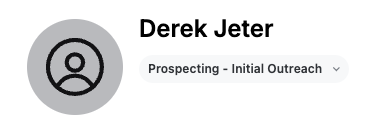
- From the Recruit Profile, see and manage Recruiting Stage from the dropdown selection:


Managing Information and Communication
-
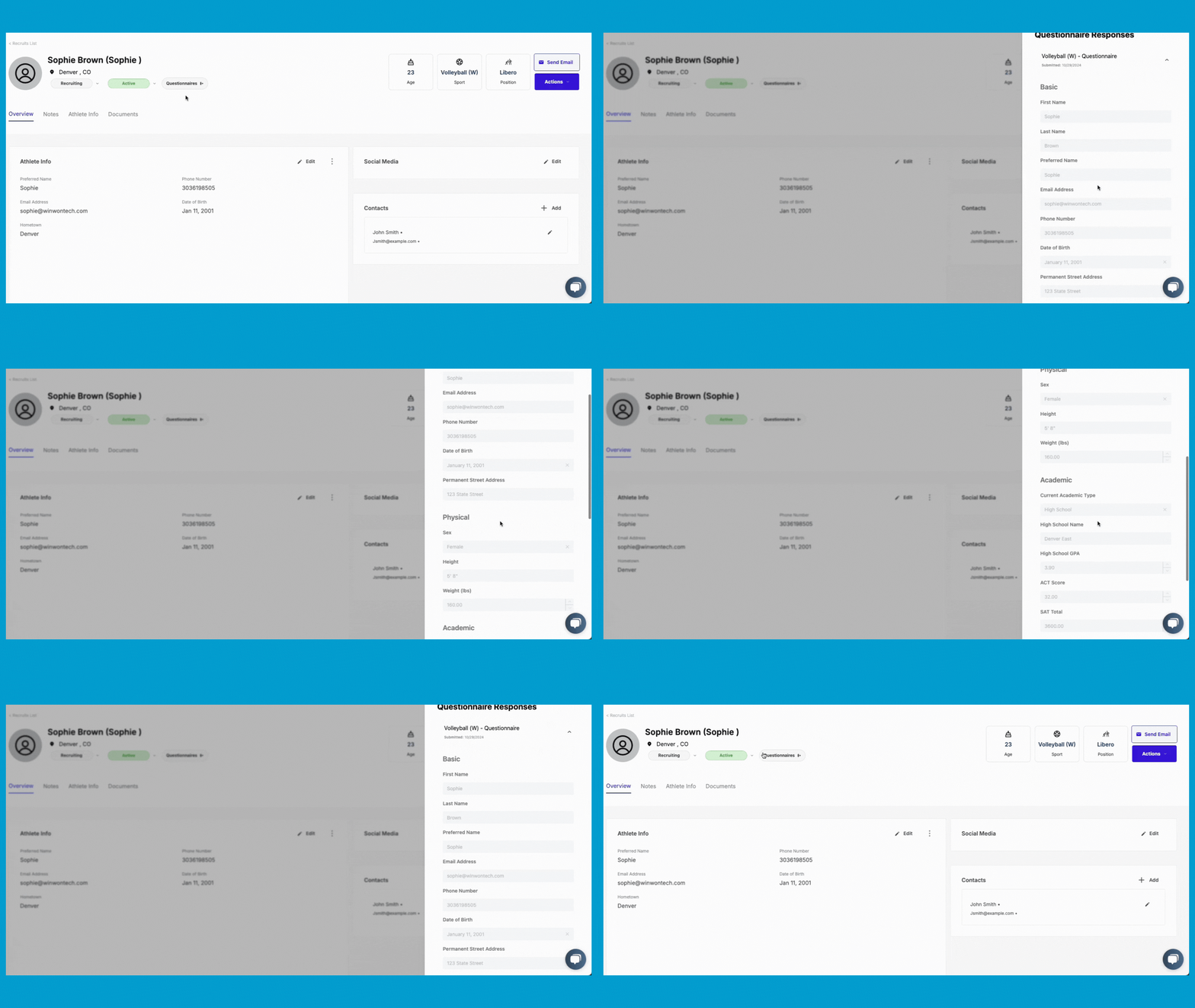
View Recruiting Questionnaire Responses: Access any recruiting questionnaires the athlete has filled out directly from their profile. This gives you quick insights into their background, preferences, and qualifications.
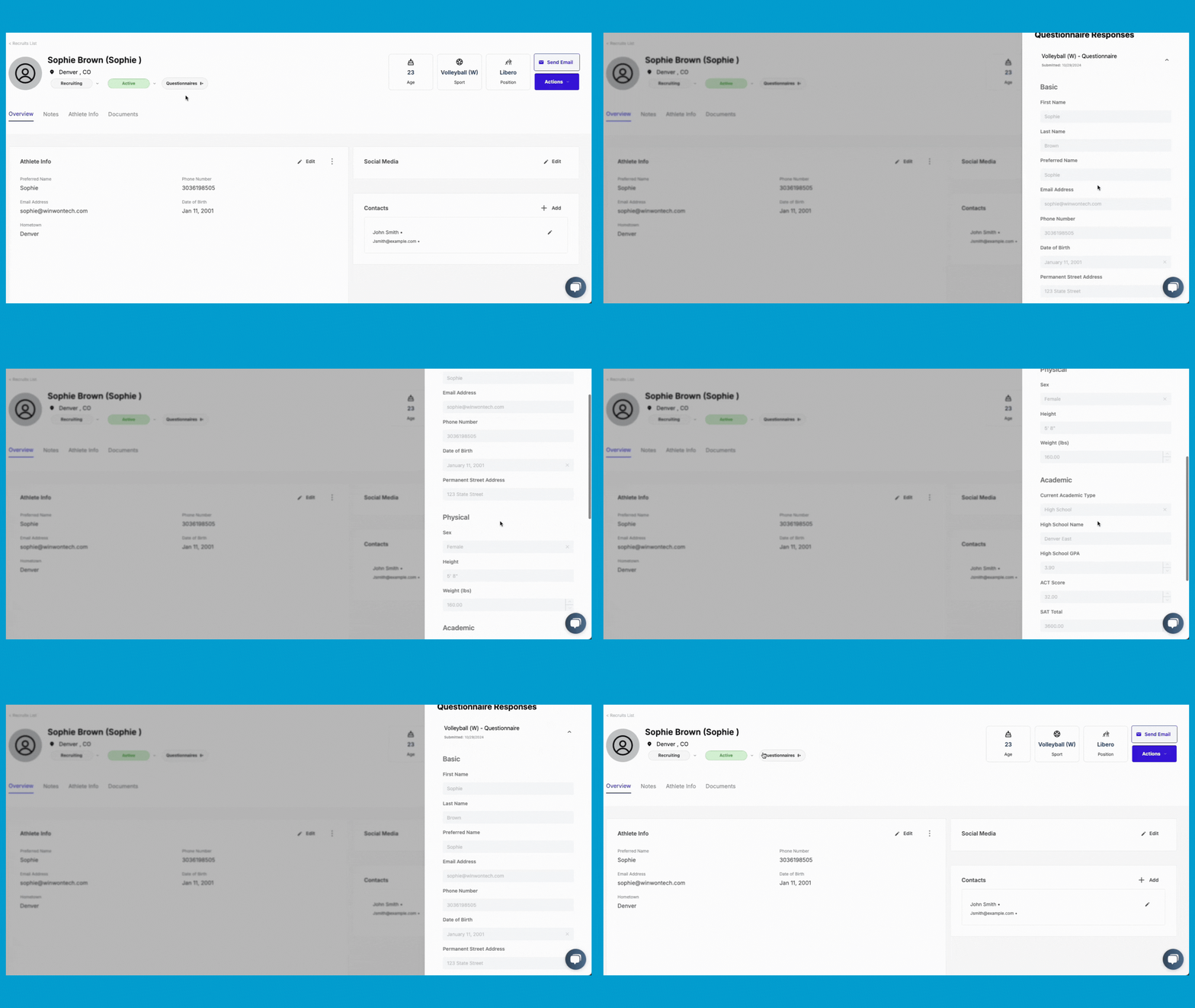
-
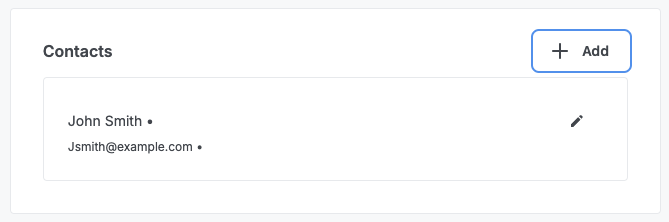
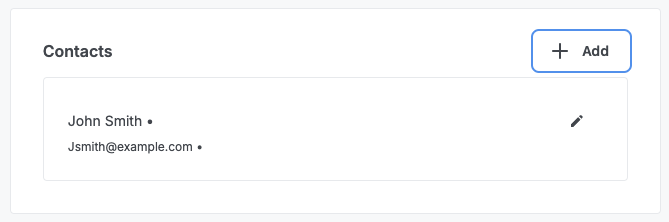
Add Key Contacts: Quickly add and manage key contacts for each recruit, such as parents, guardians, or coaches, ensuring you have easy access to the full support network around the athlete.
-
Add Social Media Links: Easily attach social media links to a recruit’s profile, enabling you to get a fuller view of their personality, achievements, and presence.

-
Send Emails or Questionnaires: Communicate directly from the profile by sending an email or a recruiting questionnaire, making it easy to stay engaged with your prospects.



Tracking and Organizing Recruit Data
-
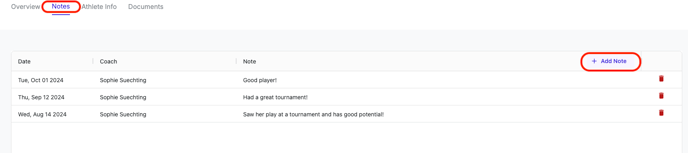
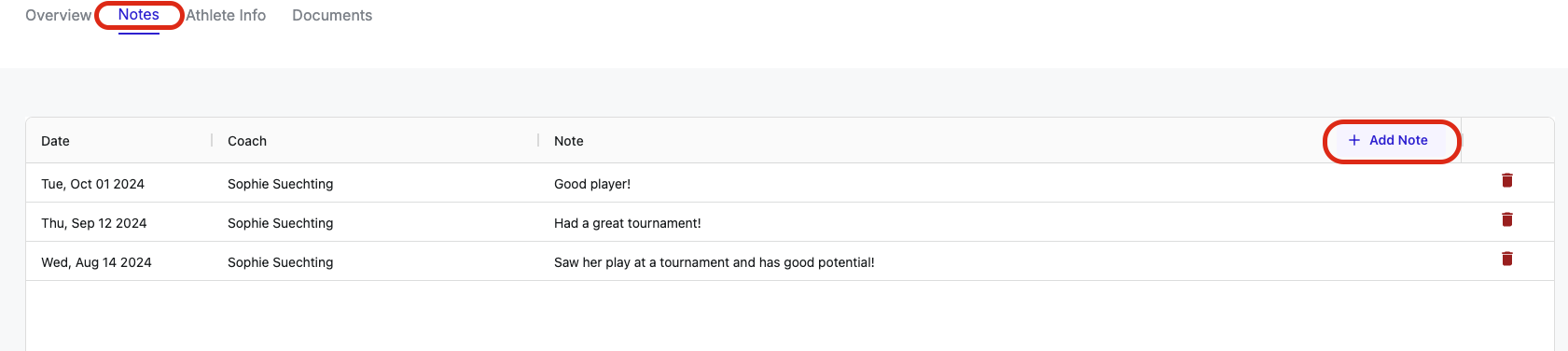
Track Notes: Use the notes section to log important information, meetings, or interactions with the recruit. This keeps all team members informed of the latest updates and activities.
-
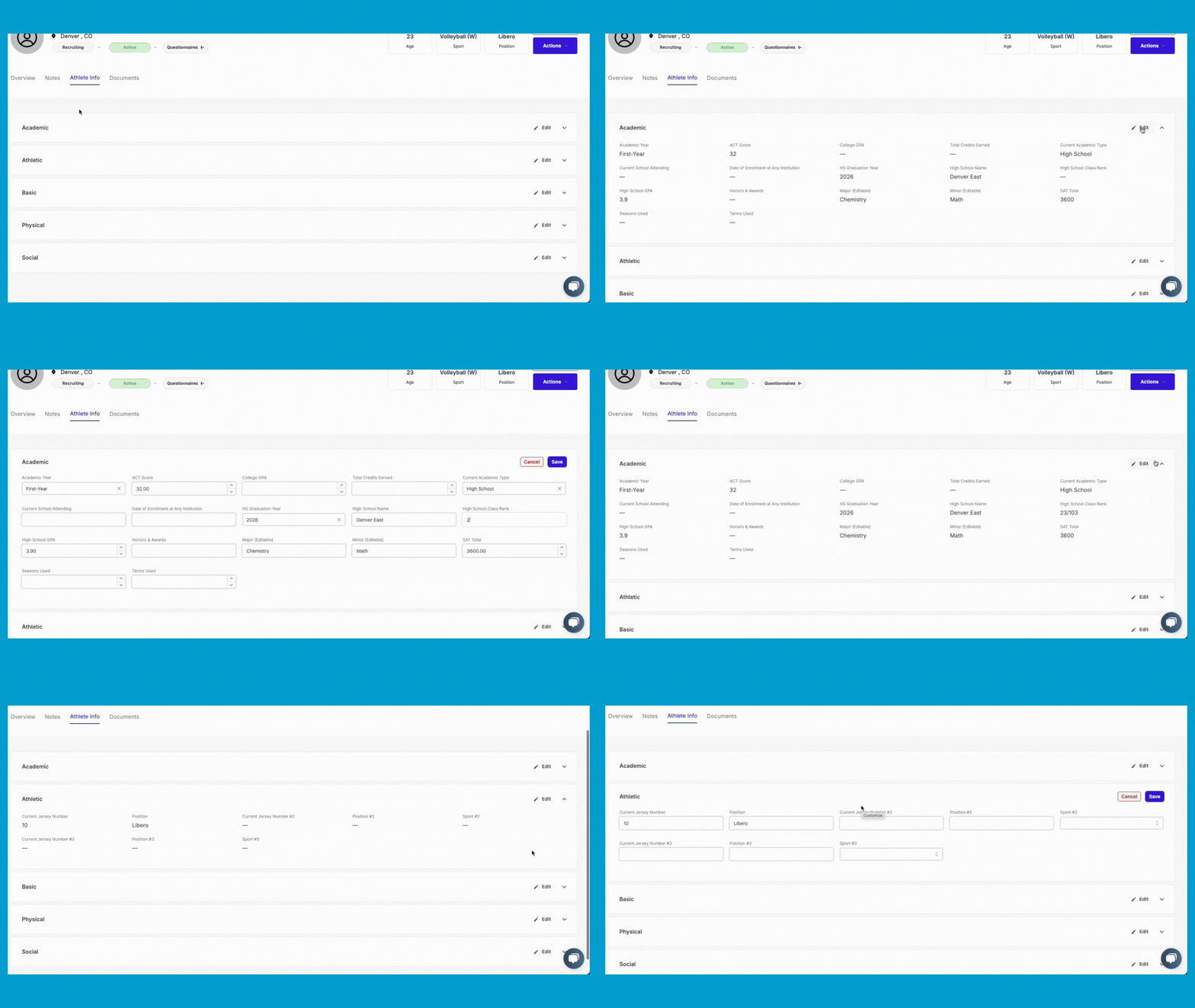
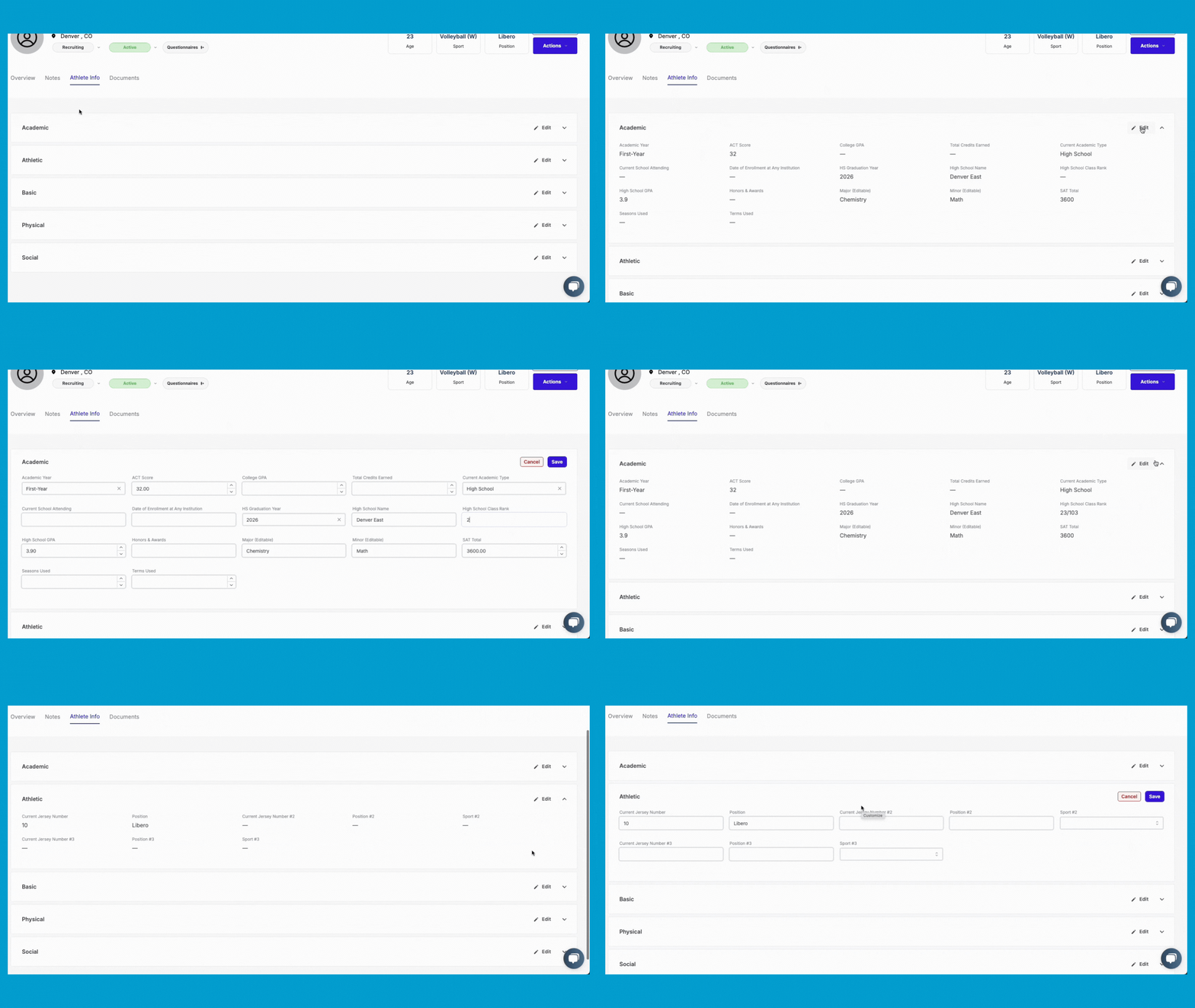
Customizable Athlete Info Section: In the athlete info section, you can customize what type of data you want to track and display, whether academic, athletic, or basic information. This ensures you have the most critical information available at a glance and can easily edit or update it as needed.
-
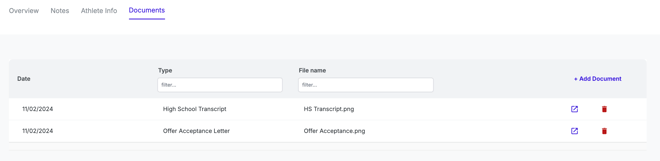
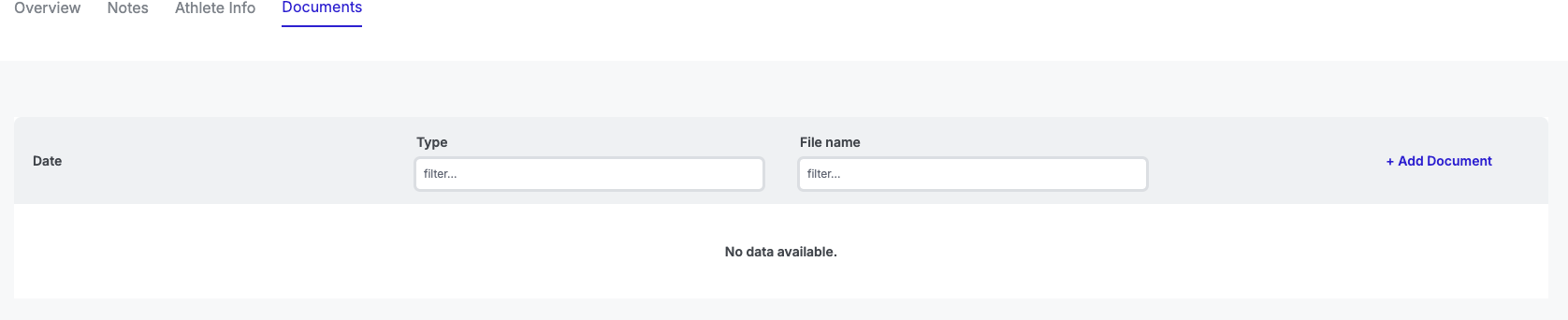
Attach Documents: Keep important documents organized by attaching files like transcripts, letters of intent, or other paperwork directly to the recruit’s profile. This keeps all relevant materials in one place for easy access.
By building and customizing recruit profiles in WinWon, you can stay organized, manage key data, and enhance your recruiting strategy with a fully personalized and efficient system.