![WINWON (Standard).png]](https://knowledgebasefaqs.winwontech.com/hs-fs/hubfs/WINWON%20(Standard).png?height=40&name=WINWON%20(Standard).png)
Ways to Create Events
- Create an Event in the Calendar View:
- Use the Calendar View to quickly add events directly to your schedule.
- Schedule Builder:
- A streamlined tool for building a larger schedule of events. Learn more here.
Creating an Event in the Calendar View
-
Adding an Event:

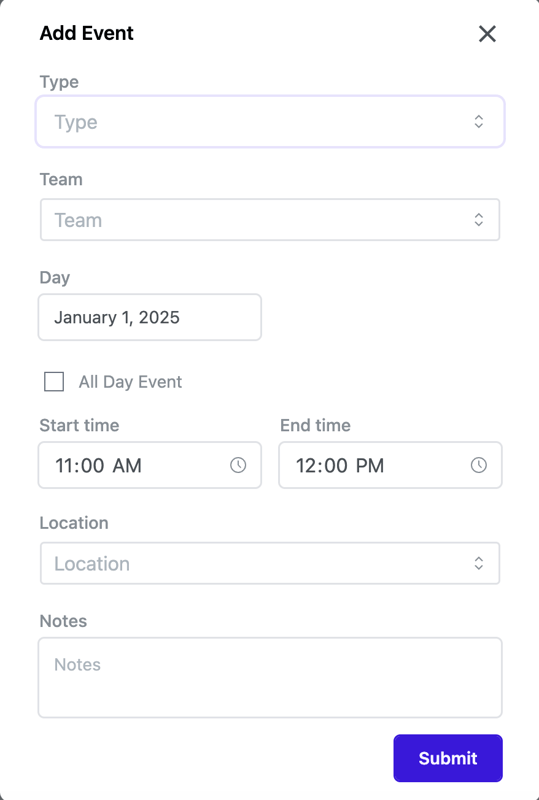
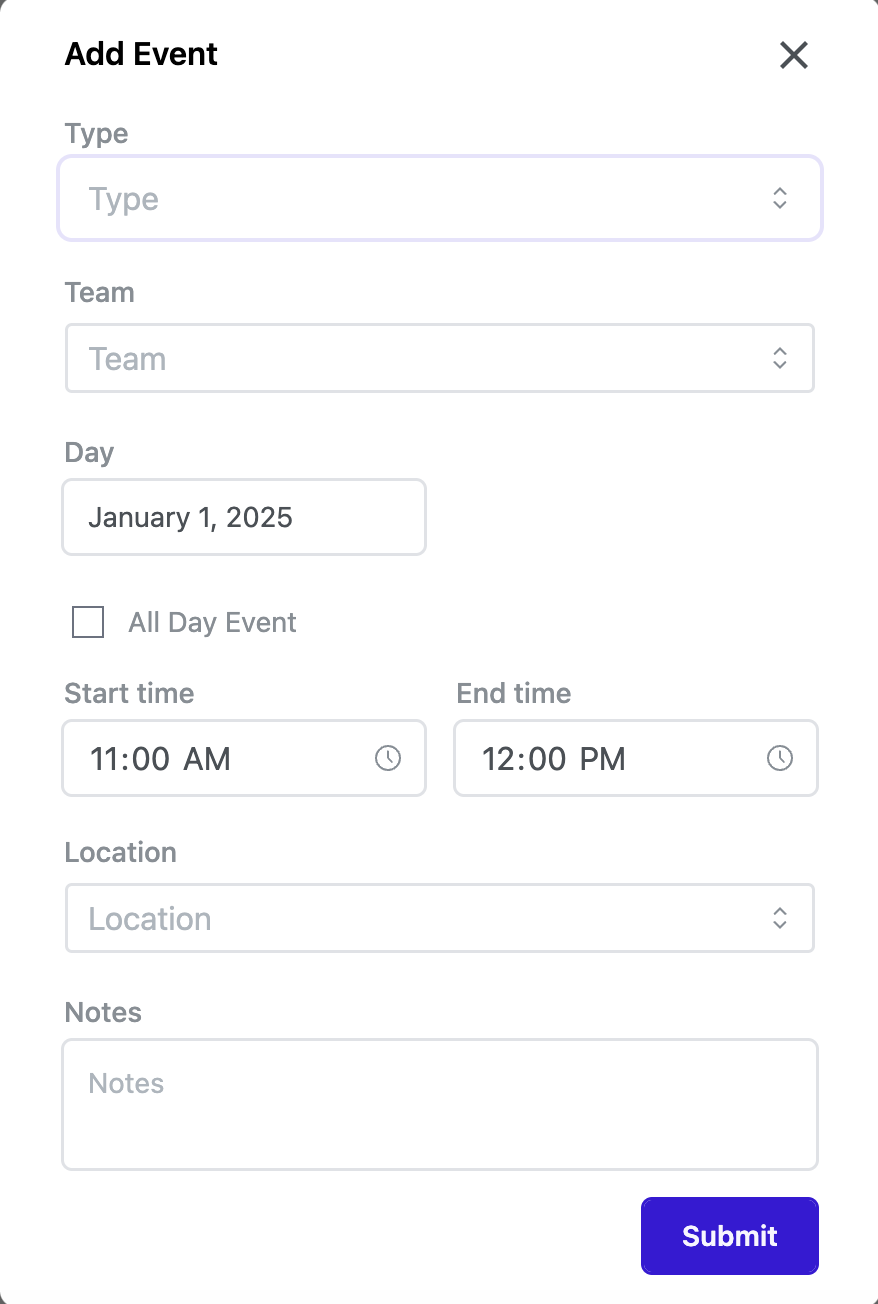
- Click Add Event in the upper-right corner or click anywhere on the calendar to open the Add Event Screen.
-
Event Details:
- Event Type: Select your event type.
- Competition: Provides additional fields for postseason designation and listing the opponent.
- Time Block: Available only to Calendar Admins for placing facility holds (team-agnostic).
- Team: Select the team for the event.
- Date: Choose the event date.
- All Day Event: Toggle if applicable; otherwise, set start and end times.
- Repeat Event: If the event repeats, specify the end date and days to repeat.
- Location: Choose a facility from the list.
- Notes: Add relevant details or instructions.

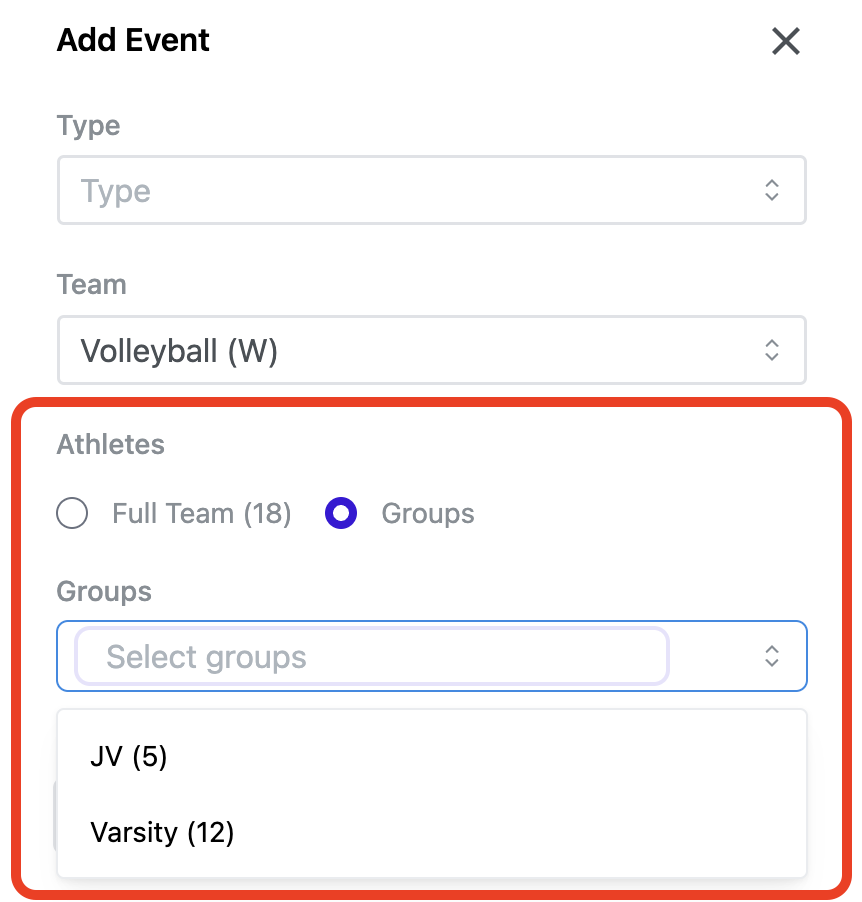
- Athletes/Participants: When you've selected the team, you will have the option to invite the full team or any groups you've created to the event. This allows you to manage participation tracking after the event. Learn more about Groups and Participation Tracking.
- Event Type: Select your event type.
-
Submit the Event:
- After entering all information, click Submit. Learn more about event submission, the approval process, and event statuses here.

Managing Created Events
Once an event is created and approved, you can:
-
Edit an Event:
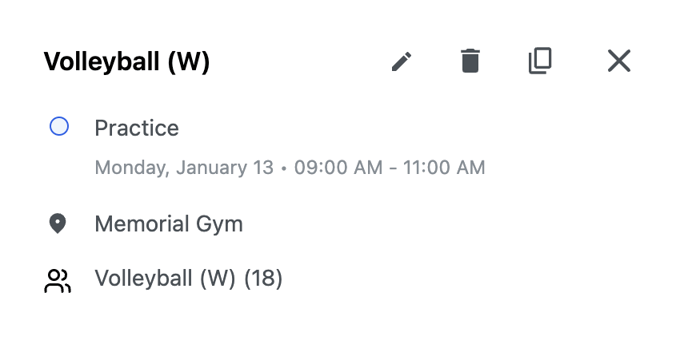
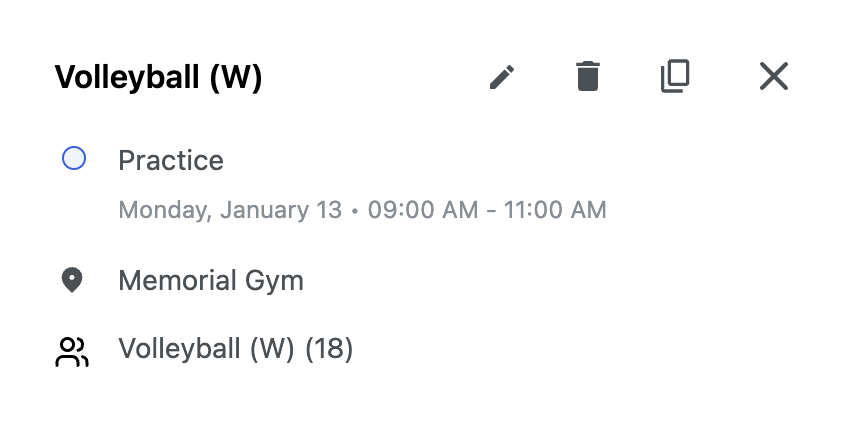
- Click the event, select the pencil icon, make changes, and click Save.
- Note: Edits will generate
 a change request for admin approval. See Event Requests to learn more.
-
Delete an Event:
- Click the event, select the trash icon, and confirm the deletion.
-
Duplicate an Event:
- Click the event, select the overlapping rectangle icon.
- Modify the time, date, participants, or other details, and submit the duplicated event.
Managing Competition Participation
For past competition events, you can manage individual athlete participation records. Learn more here.
This guide ensures you can create, customize, and manage events effectively on the WinWon Calendar.