![WINWON (Standard).png]](https://knowledgebasefaqs.winwontech.com/hs-fs/hubfs/WINWON%20(Standard).png?height=40&name=WINWON%20(Standard).png)
Overview
Some WinWon users will have Calendar Administrator privileges to review and approve events.
For non-Calendar Administrator users, submitted events follow a review process before appearing on the department calendar. Calendar Administrators are responsible for reviewing, approving, denying, or editing events to ensure smooth scheduling and facility coordination.
Event Submission Workflow
-
Submitting Events:
- Events can be submitted through the Calendar View by adding an event or by submitting an entire schedule via the Schedule Builder.
- Submitted events are placed in the Event Request queue, accessible only to Calendar Admins.
-
Admin Review Process:
- Notification: Calendar Admins are notified when new event requests are submitted.
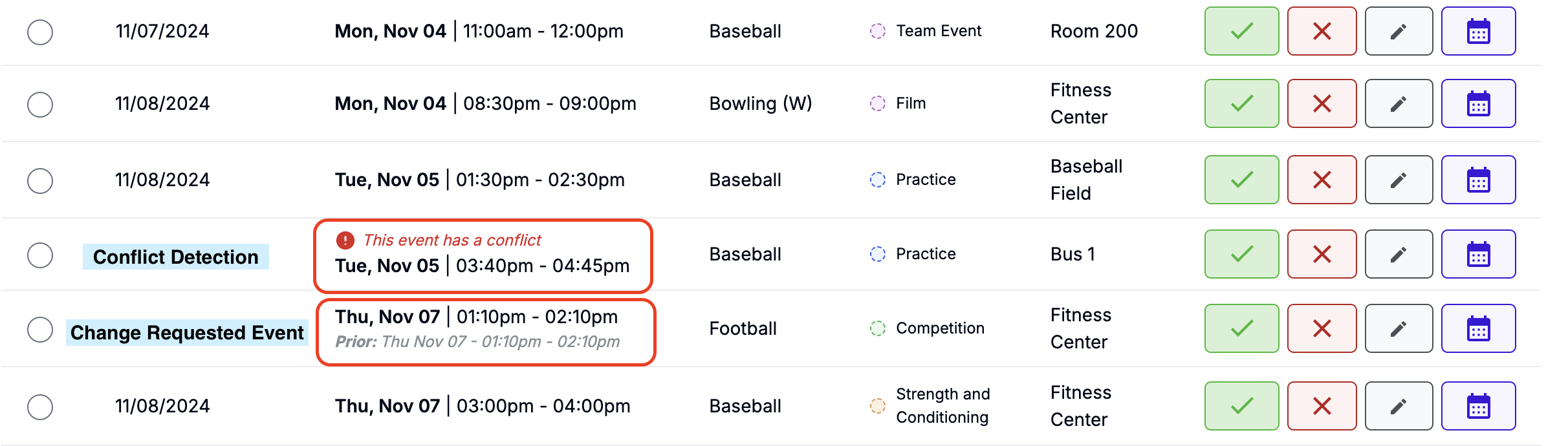
- Review: Calendar Admins have the view below. They will:
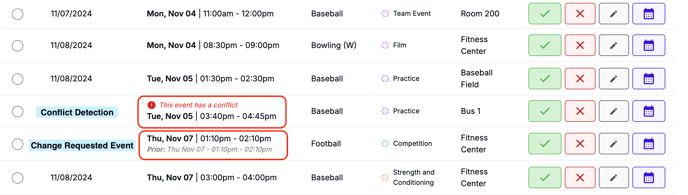
- Check event details.
- Use conflict detection tools to identify potential scheduling conflicts.
- Decision: Admins can choose to:
- Approve the event.
- Deny the request.
- Edit the event before approval.
-
Visibility:
- Events awaiting approval will show in your team's Schedule Builder calendar. They will not appear on the main department calendar for everyone to see until they are approved by a Calendar Admin.
Event Statuses
-
New Request:
- Initial submission for review.

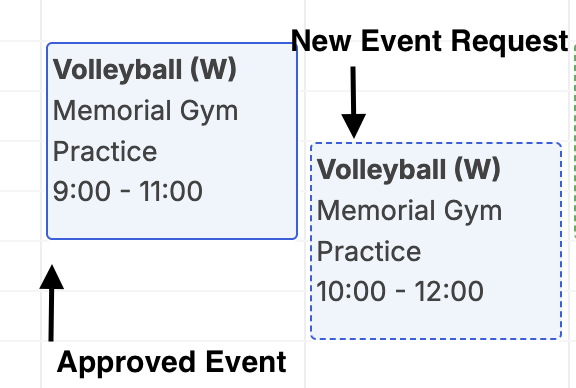
- Appears with a dashed box in the Schedule Builder calendar for your team.
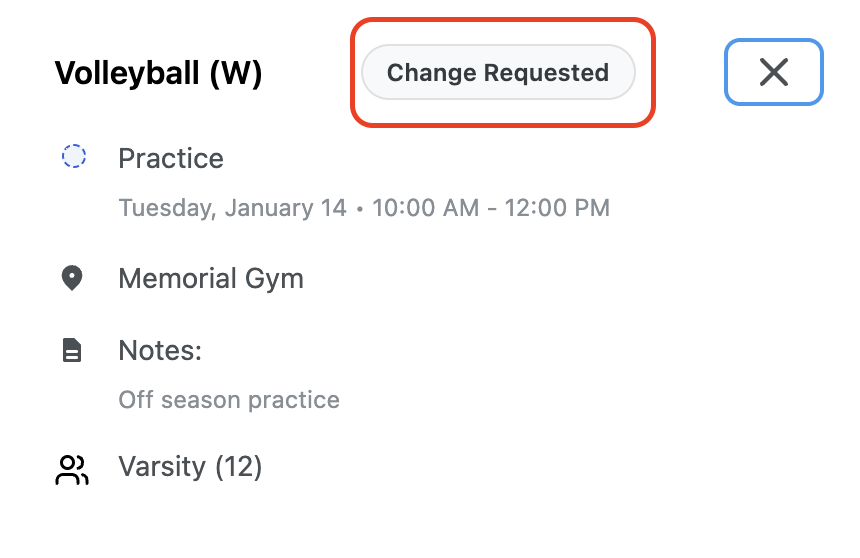
- Clicking the event will display its status as New Request.
- Initial submission for review.
-
Change Requested:
- A previously approved event resubmitted with changes for admin review.

- Also displays with a dashed box and a Change Requested status when clicked.
- A previously approved event resubmitted with changes for admin review.
-
Approved Event:
- Events that have been reviewed and approved by a Calendar Admin.
- These appear with a solid box outline and are visible to all users on the department calendar.
Additional Resources
- To learn more about the calendar admin process for managing event requests, click here.
Ensure seamless event scheduling by understanding the submission and approval process!