![WINWON (Standard).png]](https://knowledgebasefaqs.winwontech.com/hs-fs/hubfs/WINWON%20(Standard).png?height=40&name=WINWON%20(Standard).png)
Subscribing to a Team Calendar
You can add a specific team's calendar directly to your Gmail or Outlook for seamless access.
- Navigate to Calendar > Calendar View.

- Toggle open Teams from the left-hand panel.
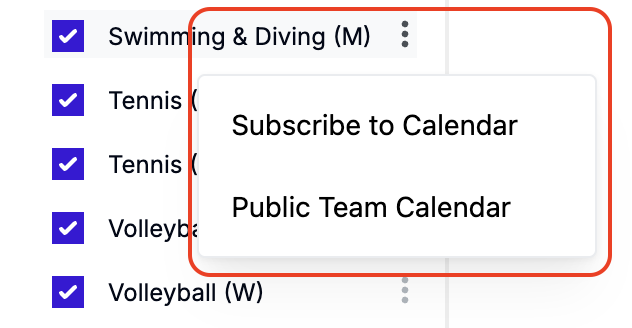
- Find the three vertical dots next to the team calendar you’d like to subscribe to.
- Click the dots and select Subscribe to Calendar.
- Follow the provided steps to display the events in your Google or Outlook calendar.
Please note: Events cannot be added to the WinWon Calendar from Gmail or Outlook. All events must be added through the WinWon platform on web or mobile. Additionally, the integration is not instantaneous. Please allow time for events added in WinWon to appear in your Gmail or Outlook calendar.
Accessing Public Calendars
WinWon offers password-protected public calendars to ensure privacy while sharing schedules externally. Public calendars are available by team or for the whole department.
Public Team Calendar
- Navigate to Calendar > Calendar View.
- Toggle open Teams from the left-hand panel.
- Find the three vertical dots next to the public team calendar you’d like to view or share.
- Click the three dots and select Public Team Calendar.
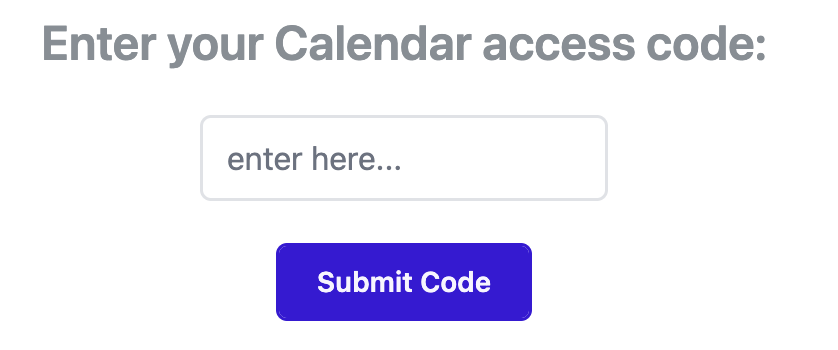
- Enter the access code on the prompted screen. If you do not know the access
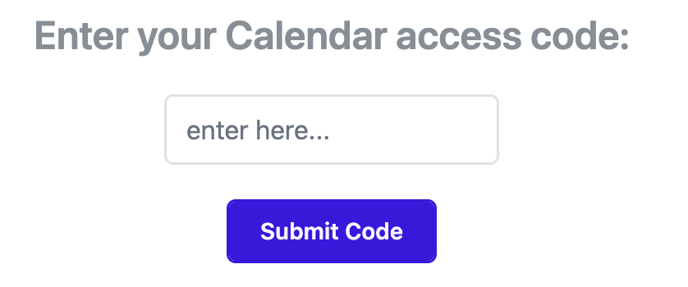 code, contact your Calendar Administrator or WinWon support via the app's chat feature.
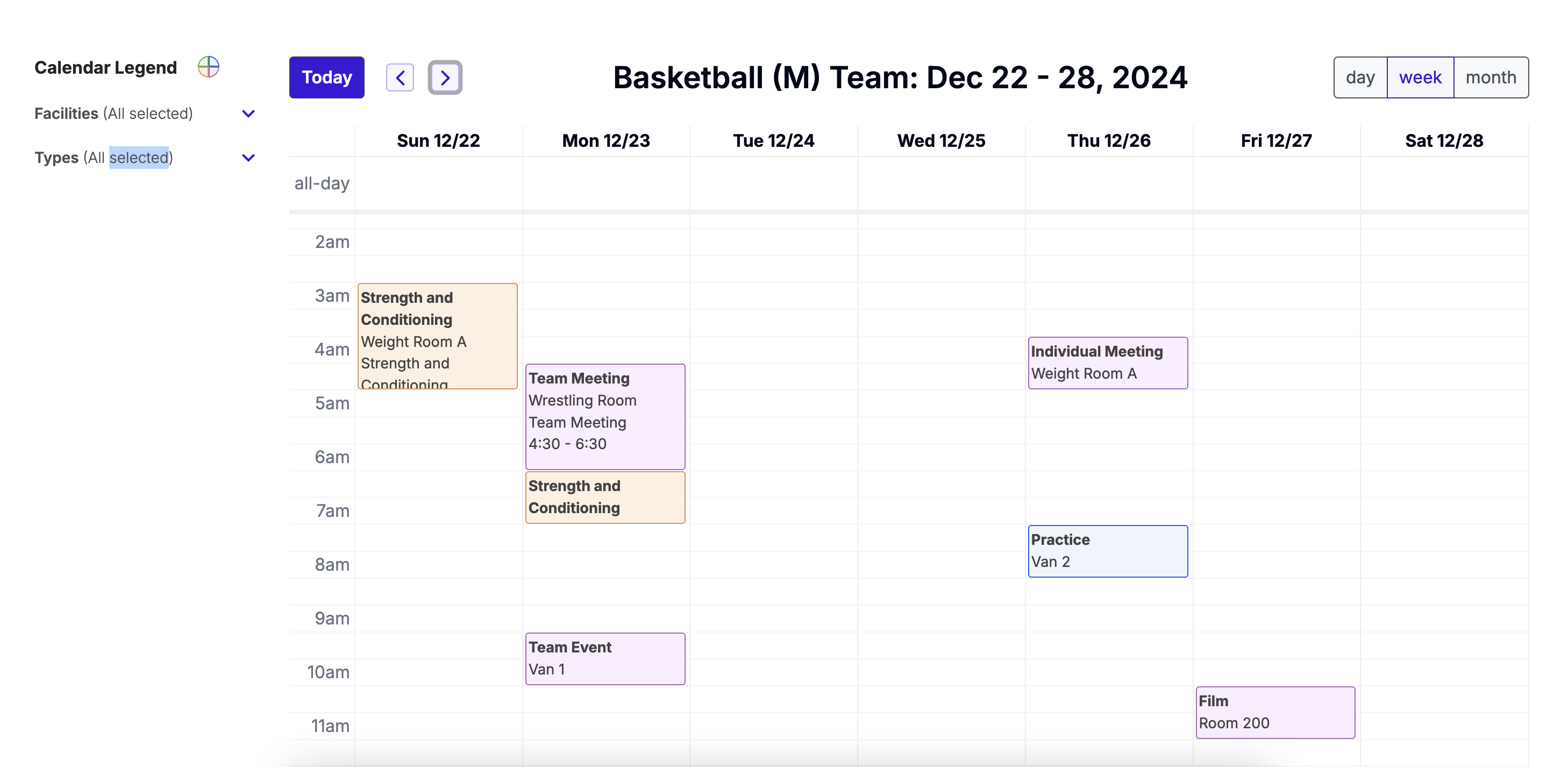
 - Once authenticated, you’ll see a view-only version of the team’s calendar, with options to:
- Filter by facility and event type.
- View basic event information.

Note: Editing events or viewing participant details is not available in this view.
Public Department Calendar
- The public department calendar provides a view-only schedule for all teams.
- Users can filter by team, facility, and event type for easier navigation.
- Contact your Calendar Administrator or WinWon support for the link and password to access this calendar.
Tip: Public Calendars are a great way to share schedules with other departments on campus, external stakeholders, or with your student athletes while keeping sensitive details secure. Simply share the url and the access code.